
Going Platinum!
Going Platinum | Issue #1 Going Platinum Goes Live YouTube vs Spotify I am fascinated with all the different income streams that we as composers can take advantage of. The two…

YouTube vs Spotify
I am fascinated with all the different income streams that we as composers can take advantage of. The two that have been on my mind most recently are streams/listens and views/listens.
Specifically YouTube and Spotify. Getting views of your music vs getting listens to your music. Both are about getting traffic to your content.
Despite both being similar they are worlds apart in approaches and income.
Let’s take YouTube for example. With videos of your music, you can earn both royalties and if you are monetised, a share of the advertising revenue. Essentially doubling down on potential income.
The thing I love about YouTube videos is that you can integrate SEO with your music. This ultimately means that you have an element of control over whether your music gets found.
Take my track Tomb for example*.* This track has been commercially released through Elephant Music, so is available to stream. It has basically had no listens on the streaming platforms. So, I decided to upload it but change the title of the video to ‘Dark Instrumental Music For Contemporary Dance’.
Over the last year, that video has had over 90,000 views and bagged some micro-placements too. In total around $1500, which I wouldn’t have earned if I hadn’t uploaded and re-named the video. But the thing I like best is the fact that I have had some control over this.
With Spotify, and other streaming platforms, you get paid for listens only. I have had some luck with landing on playlists, which has been quite lucrative but I had absolutely no control over this.
As a freelance musician and entrepreneur, the ability to measure and control my income is absolutely vital!
On paper, YouTube seems like the obvious winner right, and frankly, thus far it has been for me, if only because I have the ability to make a difference to my income rather than keeping my fingers crossed that a playlist will pick my track up.
I am not knocking the streaming platforms, they are just a completely different thing altogether that I plan to crack but at this moment in time, YouTube is my focus.
Setting Up a Mastering Session
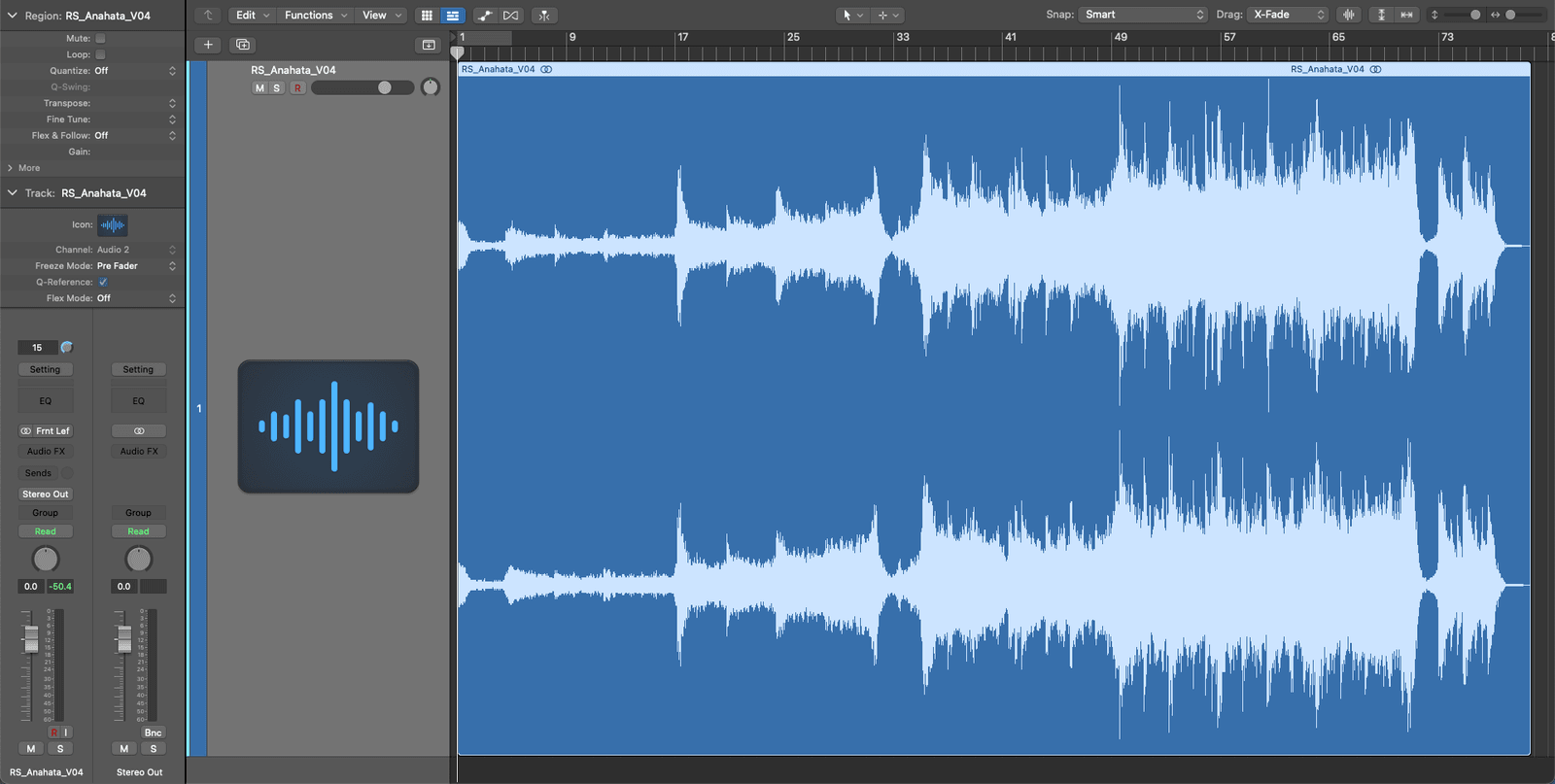
Mastering is an art that I am constantly in awe of and I am making a conscious effort to improve my abilities.
The tips below are from Jason Allen , they are small and easy to overlook. That’s exactly why I want to bring them to your (and my) attention. These tips are essentially prepping your session ready for your track.
- Make sure you have between 6-10Db of headroom in your track. That would look like a negative number by the way. So you want to make sure your highest point is -6db.
- Inspect the waveform for anything that sticks out (using both eyes and ears). If you find anything sticking out then deal with those spikes in the mix. For us trailer composers, those big trailer hits are often the culprit. If it all looks good then we are good to continue.
- Insert 100 milliseconds to the start of the track to compensate for streaming platform caching and crossfades. Remember to add teeny tiny fades at the start of the track and the end of the track to prevent any little clicks (called zero crossing).
Amazing free Lofi Sample Pack
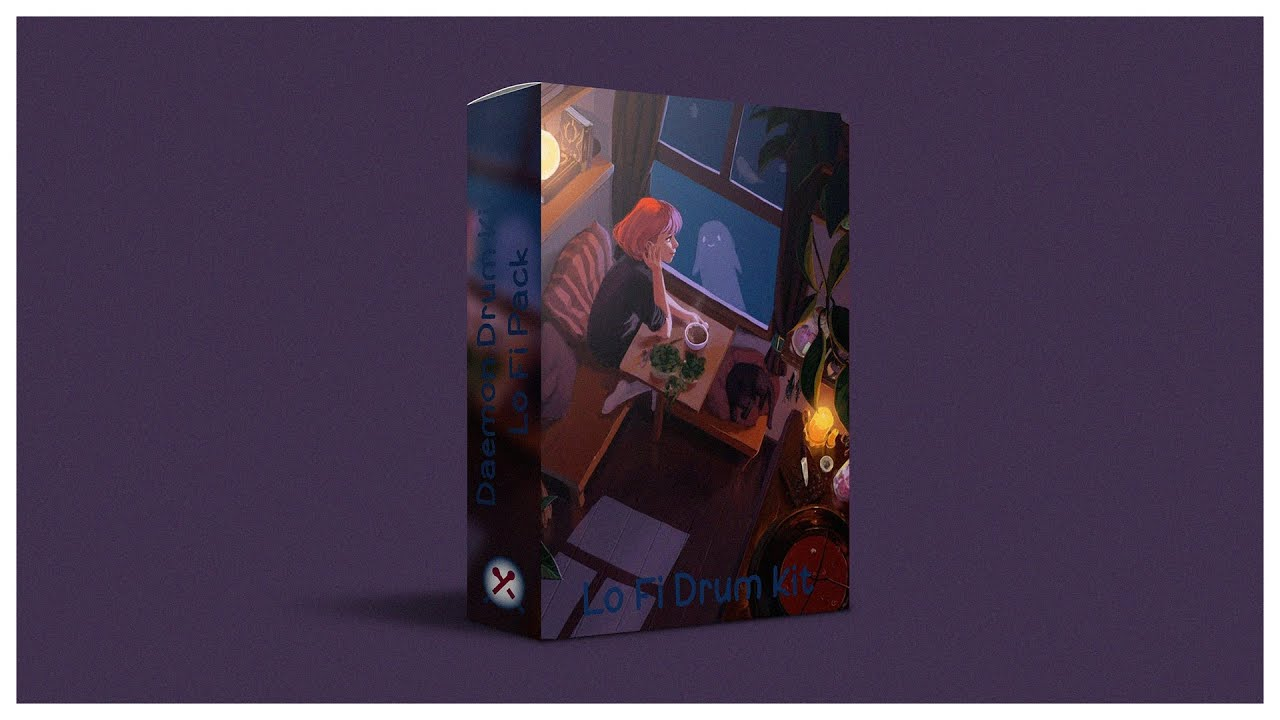
I like to scour the web for free sounds that I can use. Lately, I have been on the lookout for decent Lofi kits to use and I found an absolute gem called, Daemon Lofi Kit.
It is locked behind a link gate, which is fine, it just means that you have to subscribe to their YouTube channel to get your hands on it but it is well worth it.
Region Anchor Points?
I was sent this tip by one of my subscribers and I am so grateful for it. I have been using Logic for over 15 years so finding new things it can do is always fun, especially when they can help me in my workflow.
These little chappies are called ‘Region Anchor Points’ and they mean that you can choose a specific part of your audio region that snaps to the grid.
So if I am using a trailer hit I can place the anchor point at the point when it hits in all its glory then I can move that audio region around in Logic and it will automatically snap that peak to the beat.
Brilliant - what a time saver. I’m going to let Josh Carney aka MusicTechHelpGuy explain this in more detail.
🎓 Want More?
If there is anything you would like to learn or know about send me an email [rich@thetrailermusicschool.com] and I’ll try to include it in an upcoming issue.
Read next
- Research - The Smart Way
Are you doing your research when it comes to what music is being used in trailers? This is a really important aspect of being a composer for trailers (and any commercial venture…
- An Apple a Day
I have a question for you. Are you and I wasting our time with Spotify? Going Platinum | Issue 2 An Apple a Day Check out these screenshots from my own music distributor, Ditto…